A free DNS toolbox
that leads to a product.
NSLookup.am is a free collection of DNS, IP, network and email tools: DNS propagation checks, SPF and CNAME lookups and dozens more. It's built for admins and developers who need a quick answer. I designed the tool pages, the tools directory, and the contact flow that turns a free lookup into a conversation about email security.
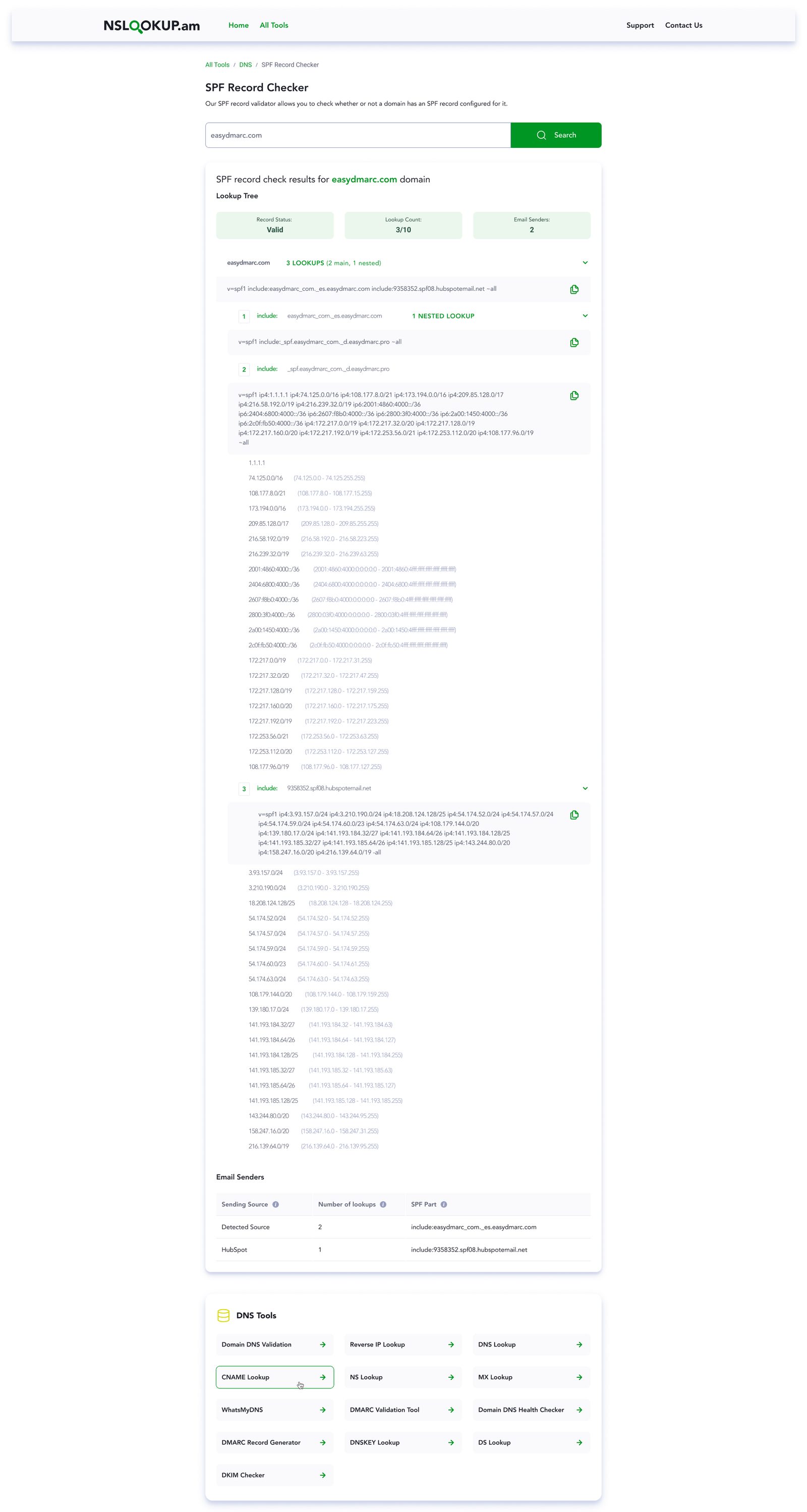
Quick answers for technical people, with a door to more.
People land on a tool like this with one question: has my DNS change propagated? Is my SPF record valid? Where does this CNAME point? They want the answer in seconds, without signing up and without wading through marketing.
The site also has a business job. Some of those visitors manage domains that are badly configured, and they're exactly the people who need help with email authentication. The design had to serve the quick answer first and make the next step easy to find, without getting in the way.
One pattern for every tool.
Every tool page follows the same layout: breadcrumb, title, a one-line description, the input and the result. Related tools sit right below, and the long explanatory content goes underneath for the people (and search engines) who want it. Once you've used one tool, you know how to use all of them.
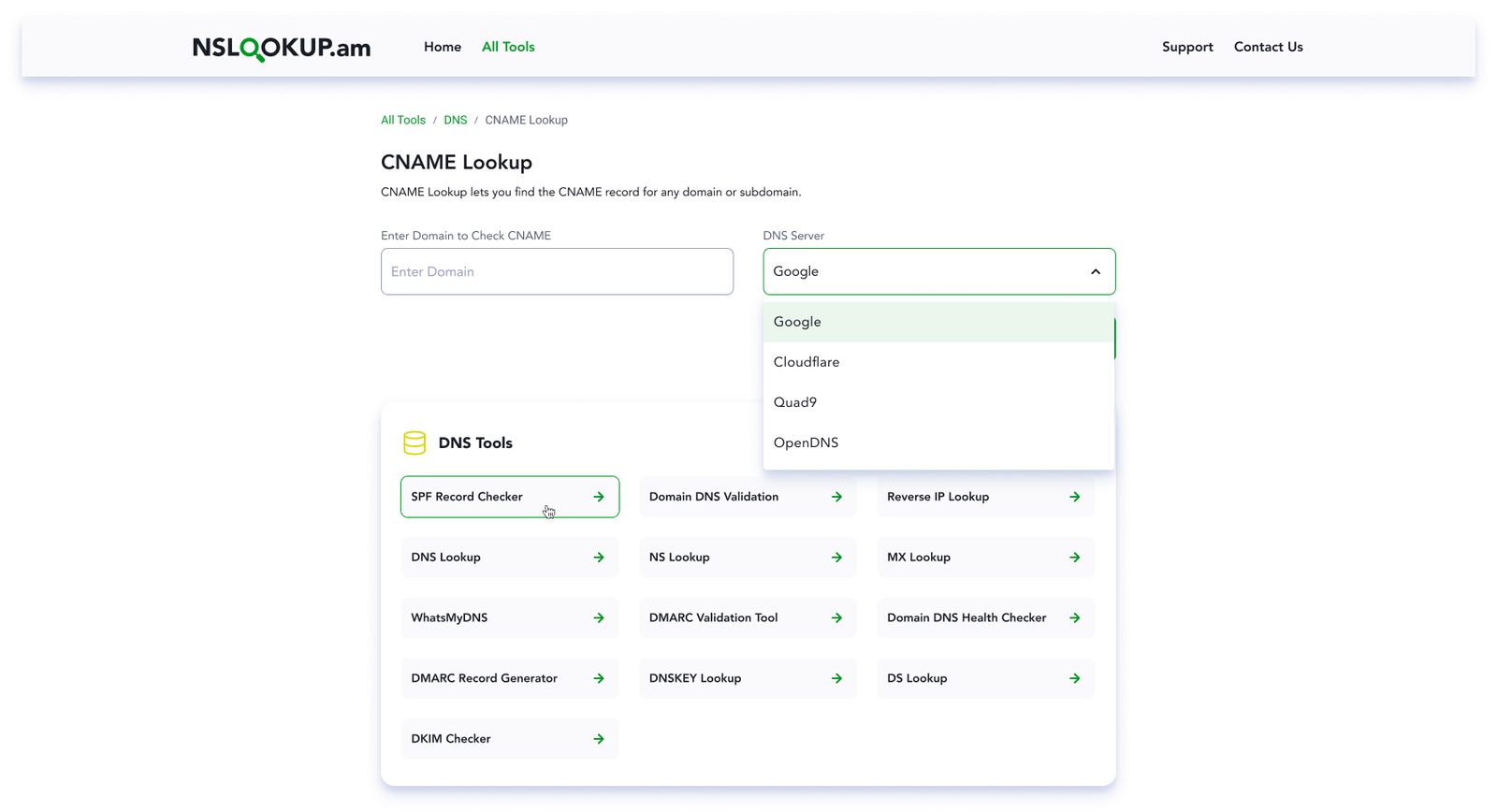
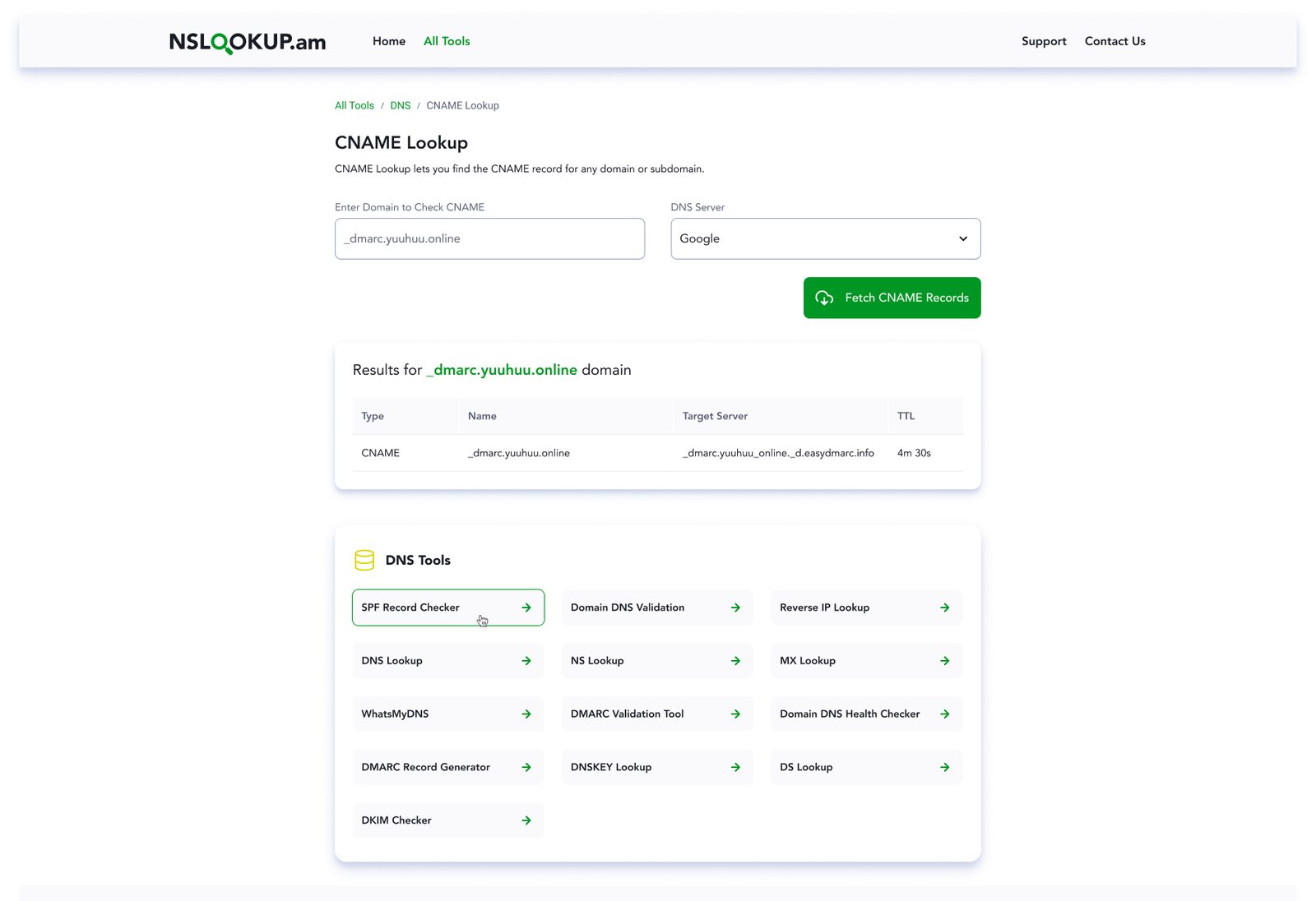
CNAME Lookup: choose the resolver, run the lookup and get a clean table with type, name, target and TTL.
SPF as a tree, not a wall of text.
An SPF record is a chain of includes that can nest several levels deep, and there's a hard limit of 10 DNS lookups. Raw, it's unreadable. The checker turns it into three summary cards (status, lookup count against the limit, number of senders), then an expandable lookup tree. Each include shows its own record with a copy button, its nested lookups and the IP ranges it resolves to. A senders table at the end says who is actually allowed to send mail for the domain.
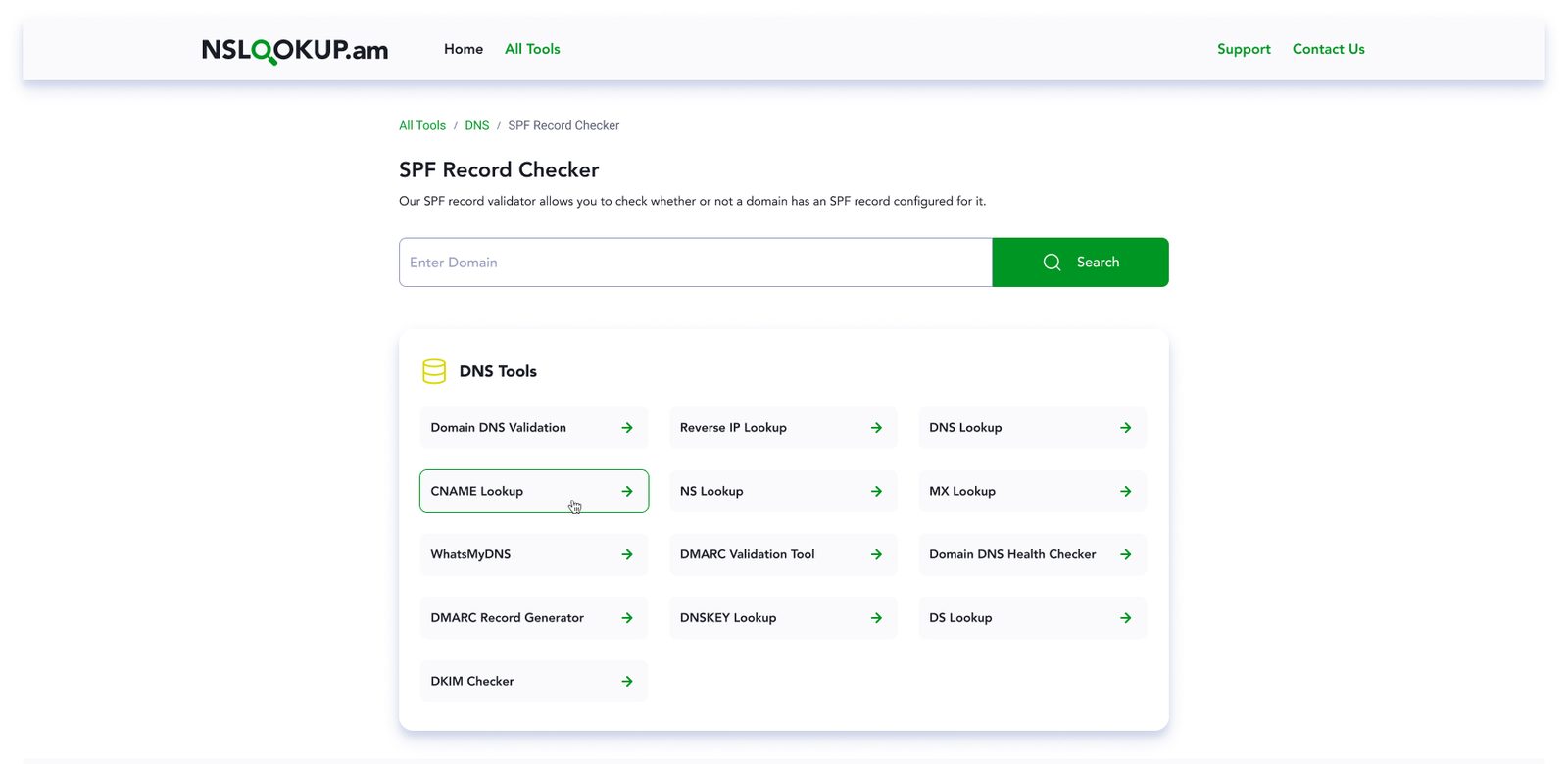

Left: the SPF checker before a search. Right: DNS propagation, with every resolver's answer and a pass/fail mark, plus a map and filters by continent and country.
Dozens of tools, one scannable page.
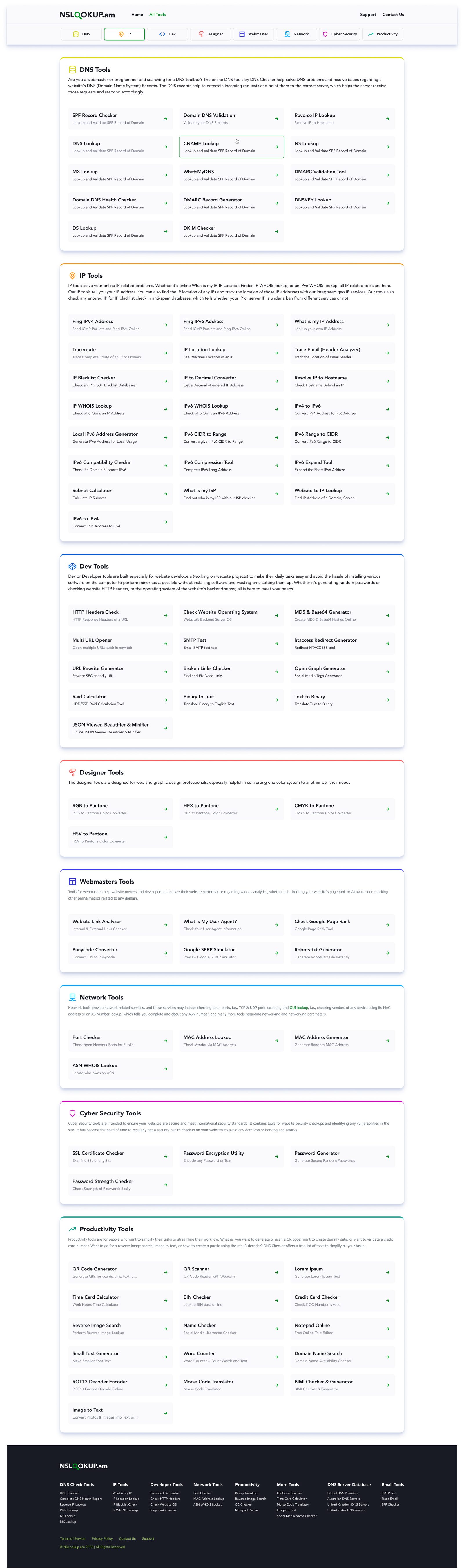
The All Tools page groups everything into eight categories: DNS, IP, Dev, Designer, Webmaster, Network, Cyber Security and Productivity. Each category has its own color accent and a sticky tab bar to jump between them. Every tool is a card with a name and a one-line description, so people can scan by task rather than by acronym.
From a free lookup to a demo request.
The contact page is where the free tools meet the business. The left side says why to reach out: your domain might be exposed, and a demo will show exactly what's at risk. The form on the right asks only what sales needs to route the lead.
- Who you are: a single question, "What best describes your organization?", with two options, each with a helper line. End users who manage their own domains go one way, Managed Service Providers another.
- Business email check: a free-mail address gets a specific message with an example, not a generic "invalid email".
- reCAPTCHA only when needed: it appears once the form is filled in, not before anyone has typed a word.
- A useful thank-you: the success screen confirms the request and offers to book a call right away for people who don't want to wait.


Segmentation, field-level errors, reCAPTCHA that appears late, and a success state with a next step.
Free tools earn trust before they ask for anything.
The pull in a project like this is to put the sales pitch everywhere. I kept it out of the way: the tool does its job first, the result is clear enough to act on, and the route to a real conversation is there when someone needs it. Trust earned on a free lookup is worth more than a banner.
Happy to walk through the tool patterns and the lead flow in more detail.
Get in touch →Like what you see?
I'm open to senior product design roles and select freelance engagements. Always happy to chat.
Get in touch →